
January 1, 1970
How to Engage Students in Online Learning: A 3-Step Blueprint
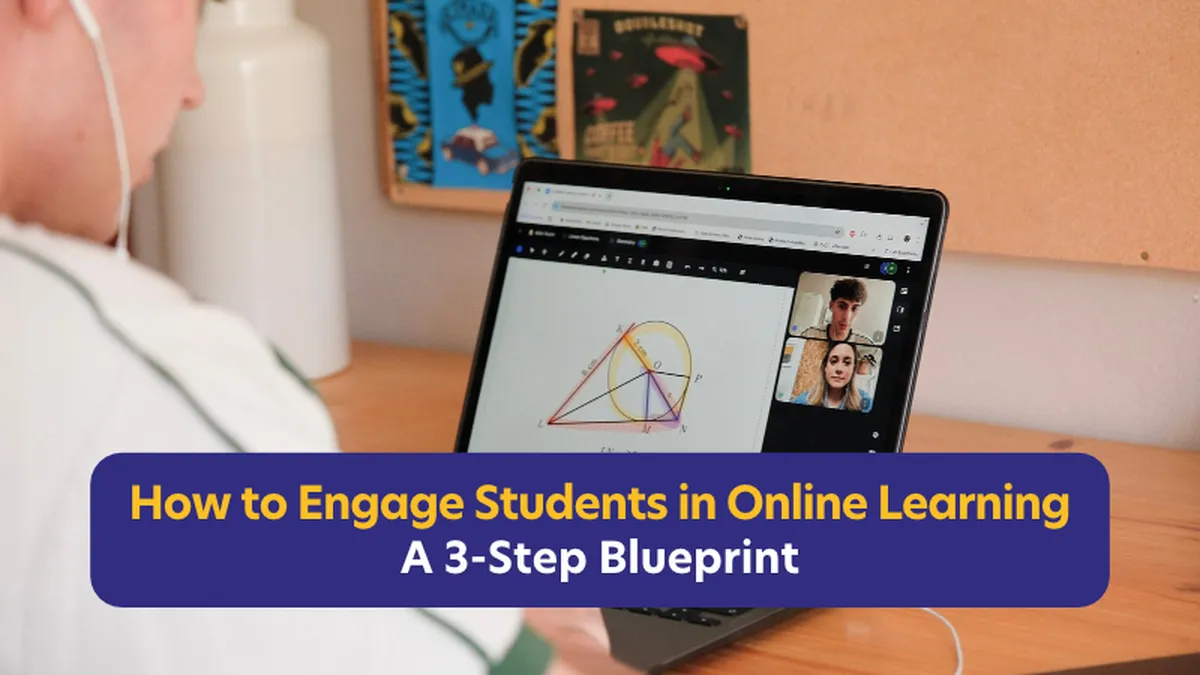
Kitti Bába, Lessonspace’s Head of Education and Customer Success, had been teaching for years when she decided to move classes online. So it came as a surprise when the first lesson, as she put it, was “awkward and full of silences”. What went wrong? She’s devoted the past decade—and based her M.Ed thesis—on finding out.
She shared these insights in a recent talk at the National Tutors’ Conference, introducing what she calls the three-step blueprint for how to engage students in online learning.
The Three-Step Blueprint For Student Engagement Online
Give students control and agency.
Build connection through personalisation.
Use the right online tools and strategies with purpose.
Here's how tutors can put these student engagement strategies into practice.
1. Give Students Control and Agency
How do you read the room when tutoring online?
In a physical classroom, tutors can often tell whether a student is following along through body language or facial expressions. Online, some of these signals are less obvious.
So, how can tutors understand what students are thinking when they can't rely on those familiar cues?
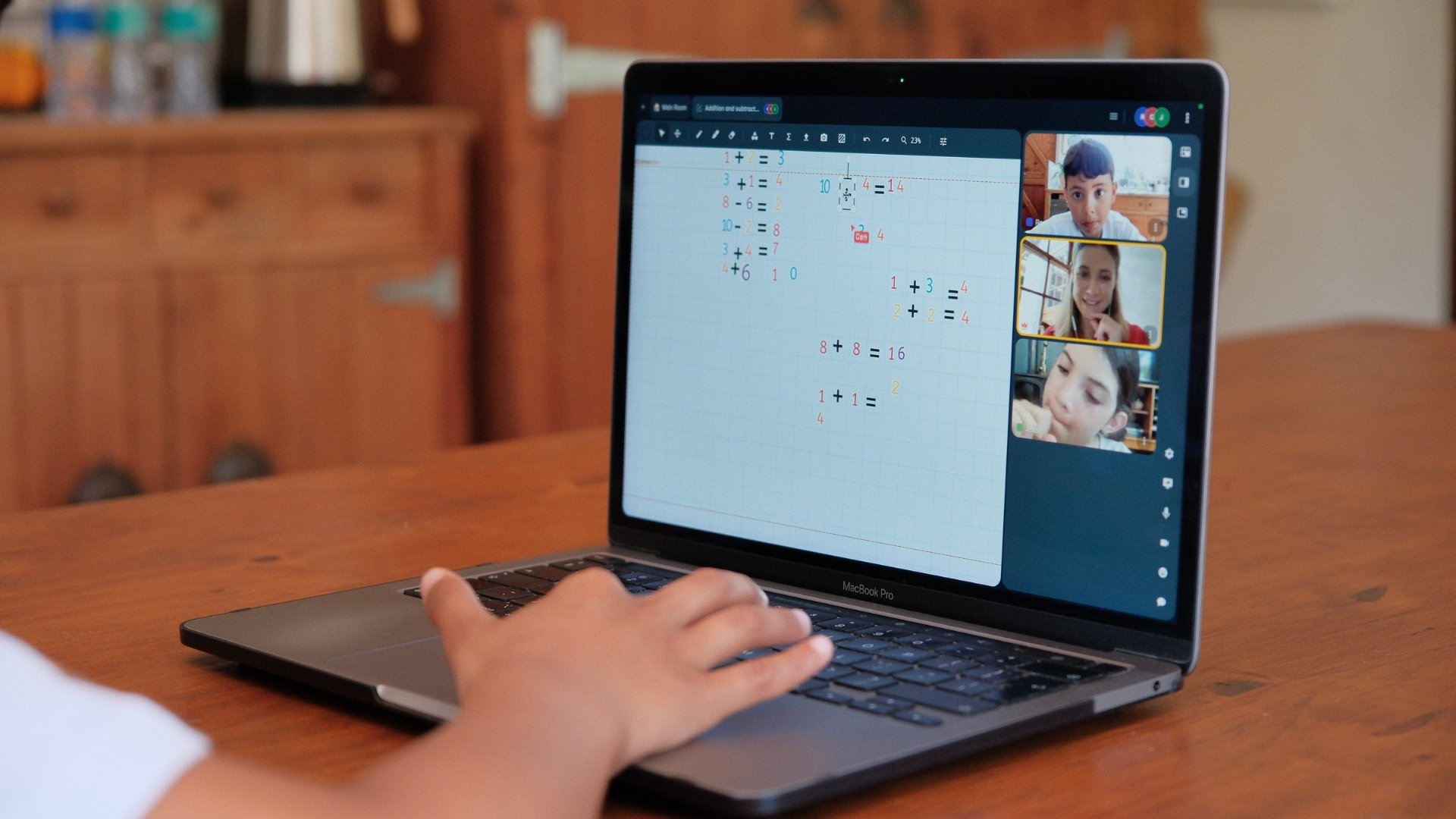
Bába believes one answer is to give students more opportunities to participate.
“Bianka, one of my ESL students, is 15, hardworking, and gets a little anxious when she doesn’t get questions right the first try. She is the kind of student who prefers figuring things out quietly rather than asking for help,” Baba shared. During one lesson Bába set up a worksheet from Bianka's school textbook on the Lessonspace whiteboard. “I can see her cursor on the Lessonspace whiteboard. I watch how she hesitates before landing on an answer… she starts typing wrong and tries to self-correct… and that’s the moment I know I can step in to help guide her thinking,” she observed.
“When we design online lessons that give students lots of control and space to experiment, and do—we open a window into their learning. We see gaps earlier, and we can step in at just the right time. These are very powerful insights. They help with scaffolding without overdoing it, because we see so much of the student’s processing. This is all possible if they’re the ones doing, not just watching. That’s the power of interactivity: it reveals thinking”
Try this in your next lesson: Give your student one extra action to take, and pay attention to how they approach the task, not just whether they get the answer right.
Let them drag key words into place.
Ask them to highlight a specific step in an equation using a bright marker tool.
Brainstorm together and have them type their initial thoughts directly onto the shared board.
2. Build Connection Through Personalisation
Not every student will participate in the same way. Some are comfortable speaking up, while others may prefer to listen or take a little more time before responding.
A quiet student isn't necessarily a disengaged student. They may simply need a different way to connect.
Bába shared the story of Zakaria, a seven-year-old boy who was naturally introverted and had only recently started school. When he first joined a maths lesson with Jonathan Wilde of BrainySpinachMaths, he refused to turn on his camera or speak.
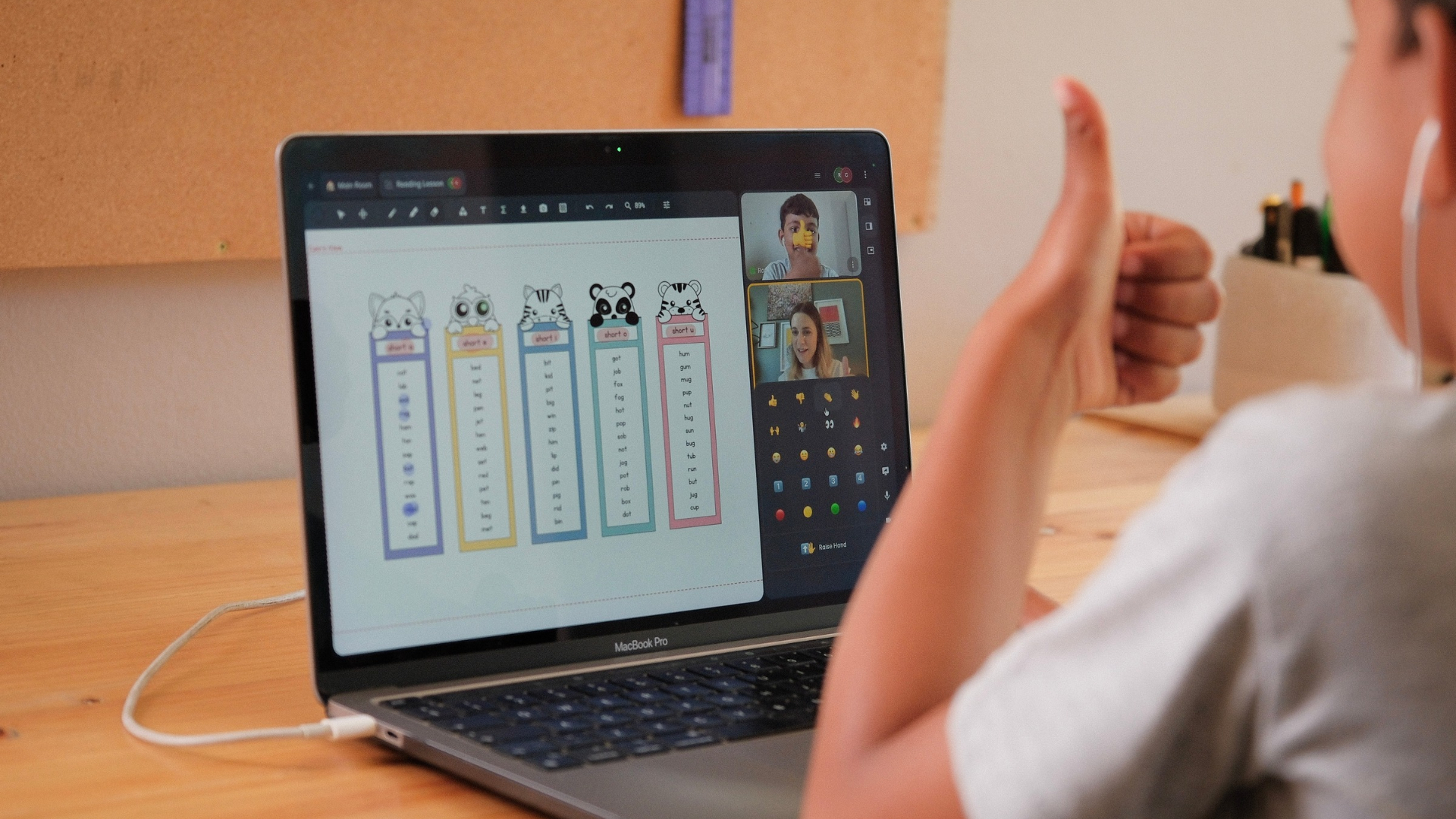
Rather than insist that Zakaria should participate in the usual way, his tutor Jon gave him the option to communicate without speaking. Zakaria started using the chat instead. By the end of the session, he was actively communicating with everyone in the classroom.
“He hadn’t spoken out loud once, but he was completely engaged. That's real connection,” explains Bába. "That's the shift we'd like to see: from pressure to participation."
When teaching online, personalising a lesson also means adapting the environment to help students feel comfortable. A quick chat response, an emoji check-in, a poll, or a small warm-up game can give a quieter student a way to participate without putting them on the spot.
Try this in your next lesson: If a student seems hesitant to speak, offer one low-pressure way to respond. Ask them to type an answer in the chat, or use an emoji reaction. Give them room to participate in a way that feels comfortable.
3. Use Online Teaching Strategies and Tools with Purpose
Bába learnt one of her most valuable lessons doing a joint lesson with two nine-year-old boys, both at home and full of energy. “They spent half the time standing up, running around in their rooms, showing off their new books and toys. At first, I thought: this is chaos; online just doesn’t work with them. But then I realised that the issue wasn’t being online - it was the lack of structure”, she realised.
“So I started to direct their energy: I gave them more to do in the online classroom… we did interactive whiteboard activities, moved objects around, quick games, hidden words, quick emoji check-ins, very small, structured moments of focus. I also built the activities so that in each new lesson, they already had something to look forward to, playing a game, drawing together, or collecting little rewards. And suddenly, the chaos turned into curiosity. Now, this really is about designing the online lesson intentionally.”
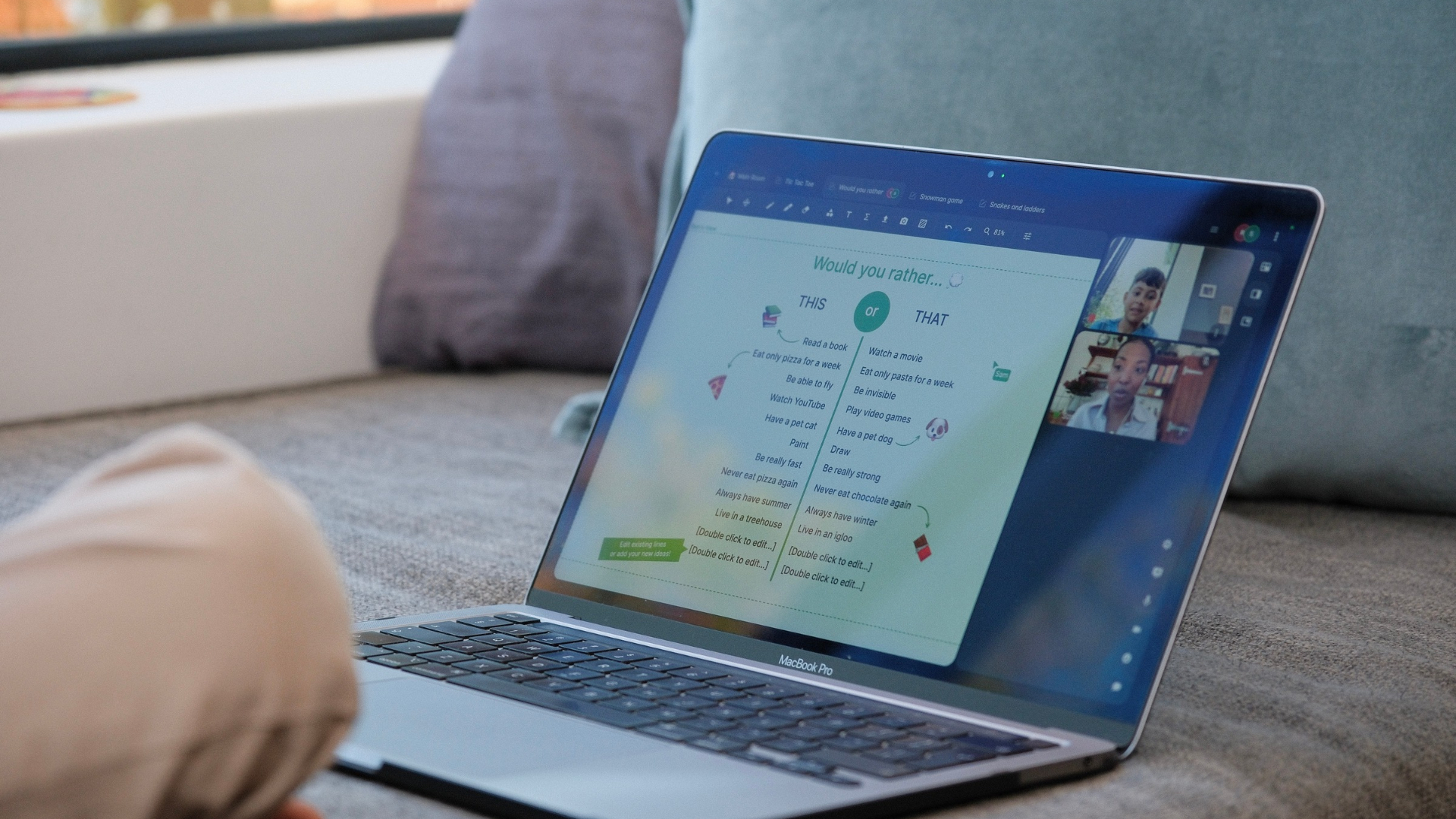
Without structure, even a well-planned online lesson can become difficult to manage. The experience showed her that online tools can actually help to create structure, not just add activities to a lesson.
Try this in your next lesson: Reveal lesson content one step at a time. Add your full lesson or worksheet to the whiteboard, then cover the sections you aren't ready to discuss with coloured shapes. Let your student work through the visible activity before revealing the next section. This gives students room to focus on one task at a time while keeping the lesson's pace in your hands.
Explore the Lessonspace team's whiteboard pro tips for more ideas to make your lessons interactive.
What Does the Research Tell us About Online Engagement?
Alongside her experience as a tutor, Bába's master's research explored how tutors use online tools and how this relates to student engagement in online learning.
She looked at thousands of online lessons and measured student talk time to understand how students were participating. Her research found that when tutors used interactive tools, such as whiteboard activities and screen-sharing games, students tended to speak more.
One finding was particularly interesting: for every additional minute of interactive sharing, students spoke for roughly nine extra seconds.
Bába also found that video could support engagement when it was appropriate for the learner. But, as Zakaria's experience shows, having a camera on or speaking aloud isn't the only way to take part in a lesson.
Making Online Lessons More Engaging Starts with Intention
Online tutoring isn't simply a matter of moving a physical lesson onto a screen. Tutors need to think about how students experience the online environment and how they can make it work for different learners.

Bába's three-step approach offers a practical starting point: give students opportunities to show their thinking, find different ways to connect with them, and use online tools with intention.
The next time a student seems distracted or disengaged, it may be worth looking at the lesson itself. Could a more interactive activity help? Would another way of communicating make the student feel more comfortable?
Sometimes, making online lessons more engaging starts with changing how we approach them, rather than expecting students to adapt to the screen.
Want to make your online lessons more interactive? Try Lessonspace for free for 14 days and see how you can bring more opportunities for collaboration and participation into your sessions.