
Changelog
What's New?
A collection of new features we've just launched in Lessonspace!
Safety Enhancements
We've recently made some behind-the-scenes improvements to Lessonspace: all part of our ongoing journey to becoming the safest and most secure way to teach online.
While most of these updates won’t change how you teach day to day, they strengthen how we protect your lessons, recordings, and data.
Improved access control to lessons
To protect your lessons from unwanted visitors (for example, if an invite link is accidentally shared), there are three actions you can take in your access control settings:
- Enable Waiting Room
- Disallow non-members from joining
- Require email to join
- Check and review the admins in your account
Stronger controls for recordings & playbacks
You have a few options for securing your recordings:
- Allow or disallow recordings
- Adjust recording access policies
- Adjust these settings on your recording settings page.
Recommended: You can also set up password-protected recordings.
More Control Over Recording and Transcription
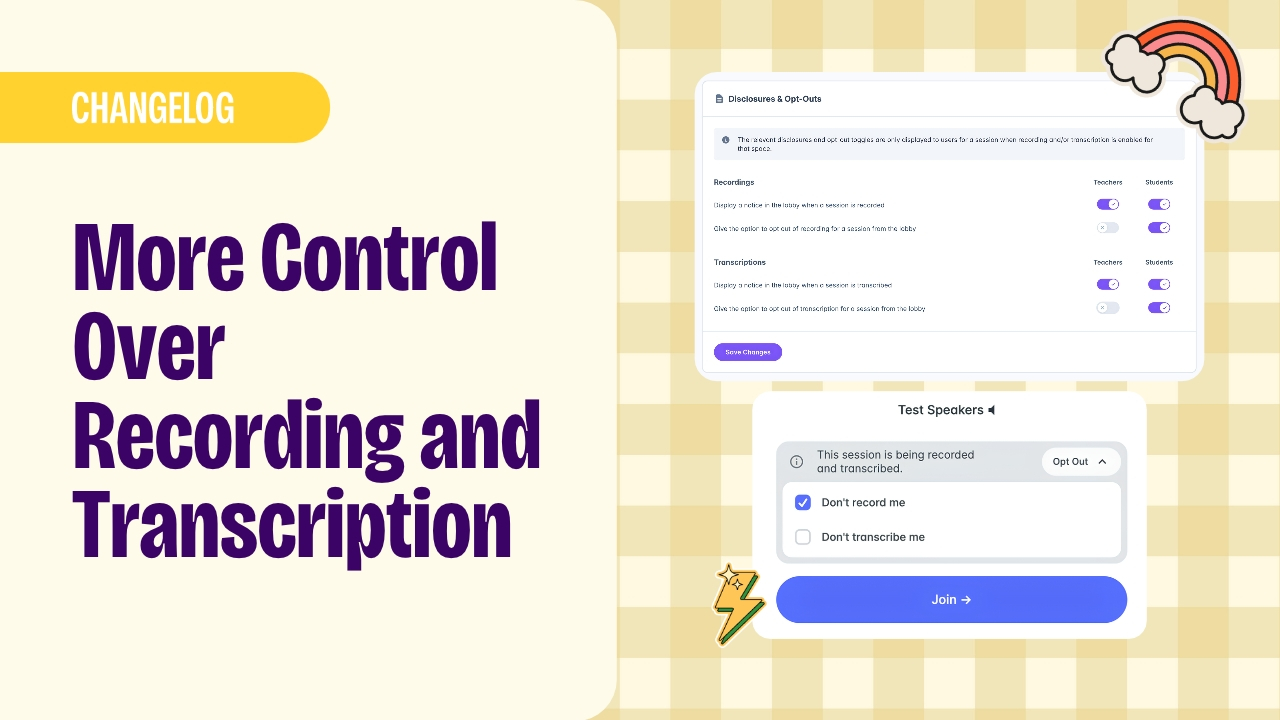
Decide how recording and transcription work in your sessions. You can choose whether to display a notice in the lobby and give teachers, students, or both the option to opt out. Set separate choices for recording and transcription, so participants can opt out of either or both.
You can customise these options for teachers and students in the Recordings section of your settings.
Export Tabs to Your Library
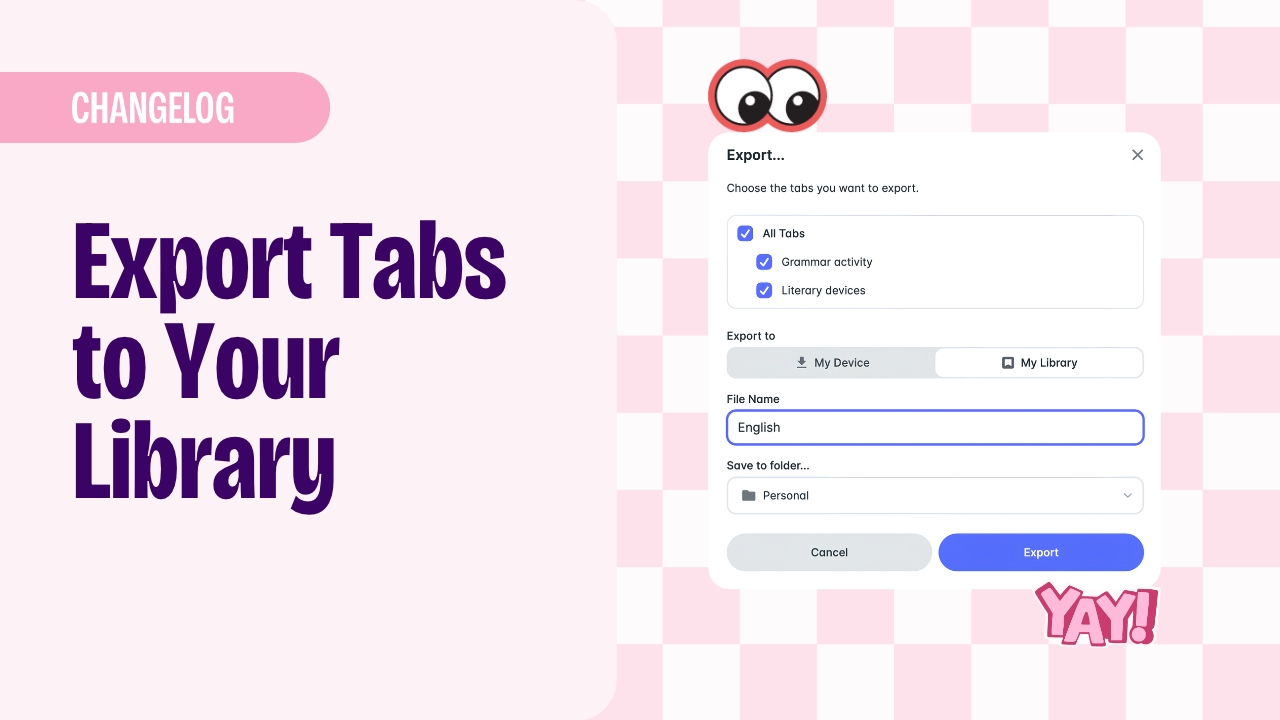
You can now pick and choose which tabs to take from a room and save them for later. Select one or more tabs using the right-click menu or export pane, then download them to your device or send them straight to your personal or organisation's Library. Your saved selection will be waiting in your resource drawer, ready to use as a room template.
Lessonspace Now Available in 16 More Languages
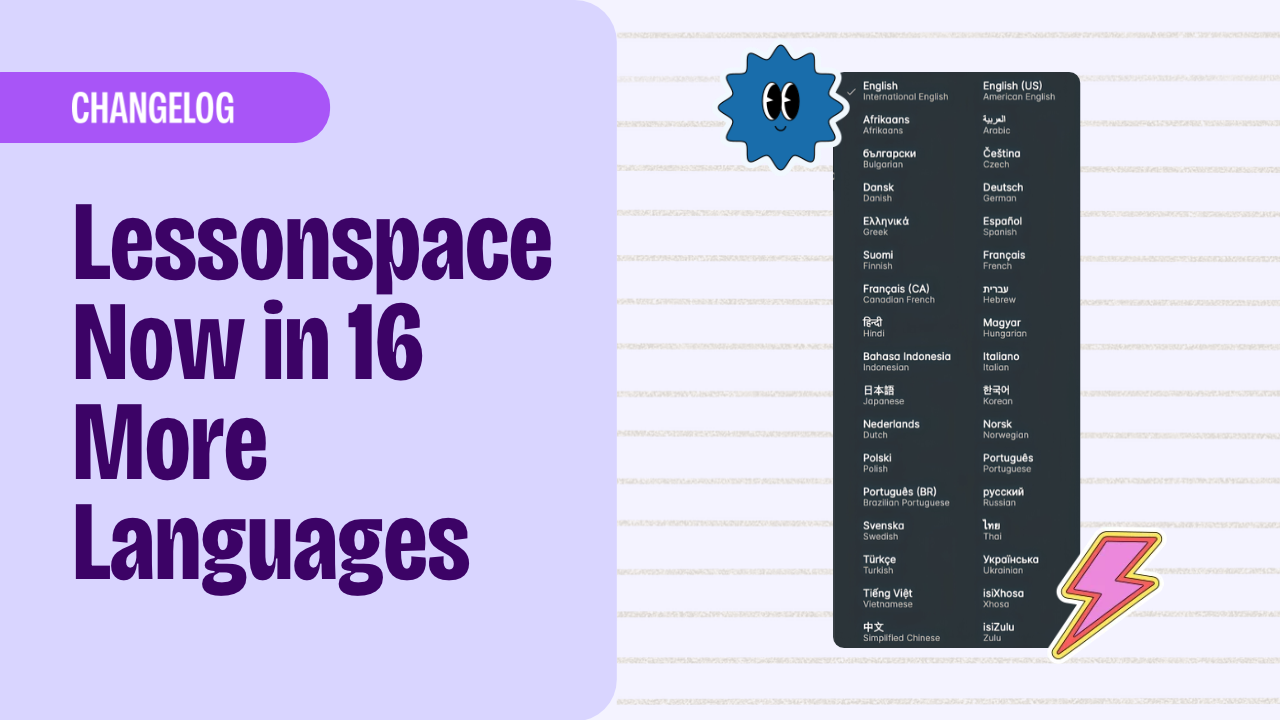
We've added 16 more languages to Lessonspace! The Space interface is now fully translated into 34 languages, making it easier for tutors and students to use Lessonspace in their preferred language.
Shooting Stars Reaction
Add a little sparkle to your lessons with the new shooting stars reaction. Give students and teachers another fun way to react and express themselves during a lesson.
Dashboard Webhooks
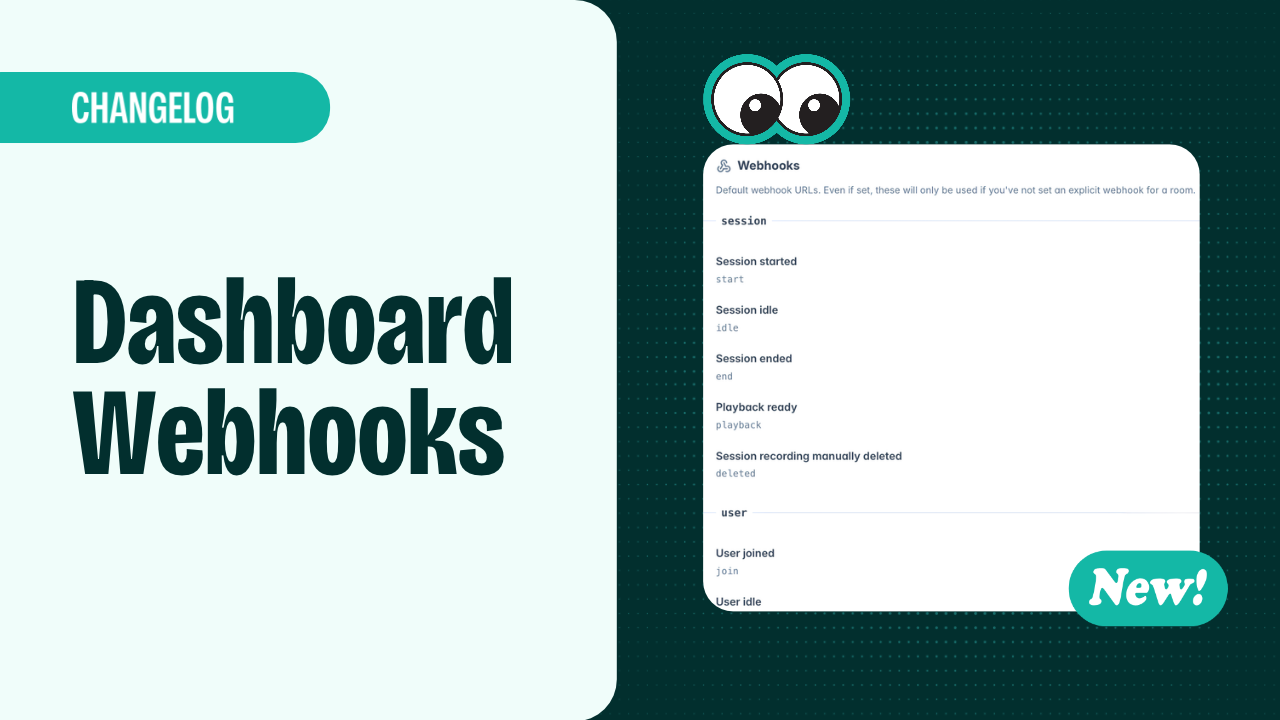
Setting up webhooks is now simpler. Configure them once in your dashboard to get updates across all rooms in your organisation. You can track events such as sessions starting or ending, users joining or leaving, recordings becoming available, and more. Find webhooks in the Developer settings.
iPad and Tablet Pairing
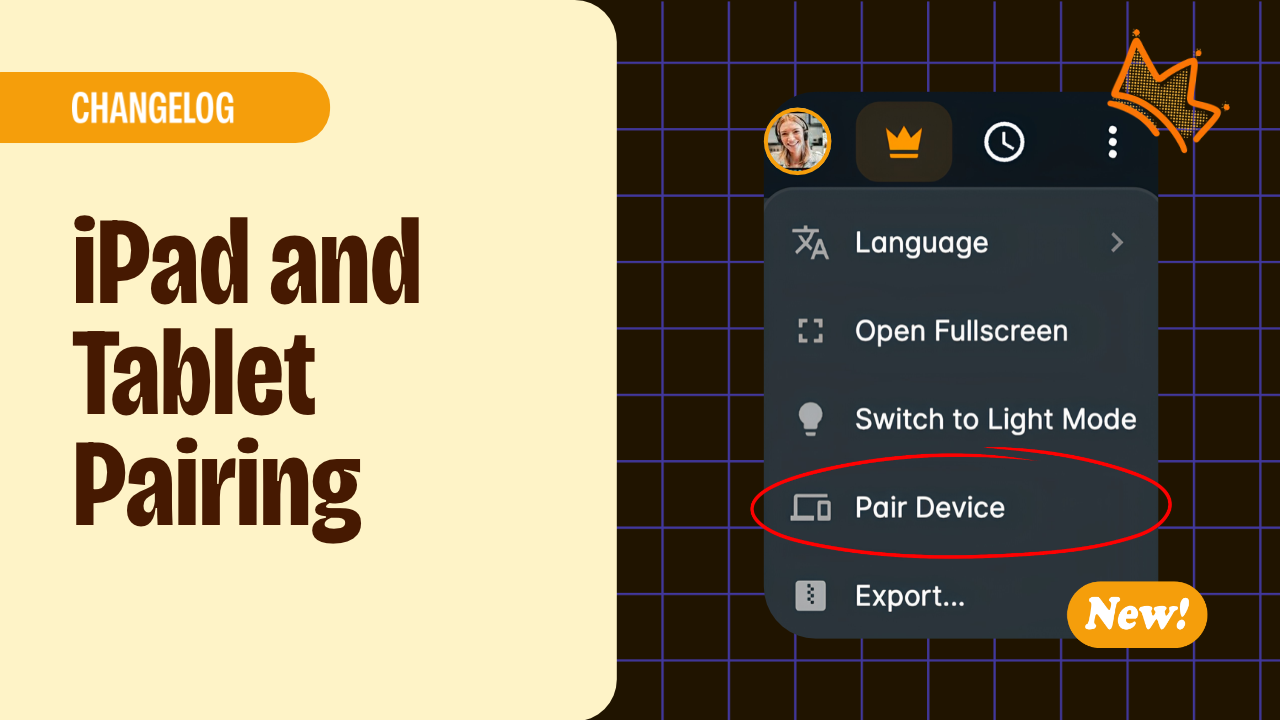
You can now pair your iPad or tablet with your existing lesson session to use it alongside another device. Your paired iPad or tablet follows your view as you lead the lesson, displaying the apps you open, while still letting you switch to another tab whenever you need to.
Finer Leader Controls
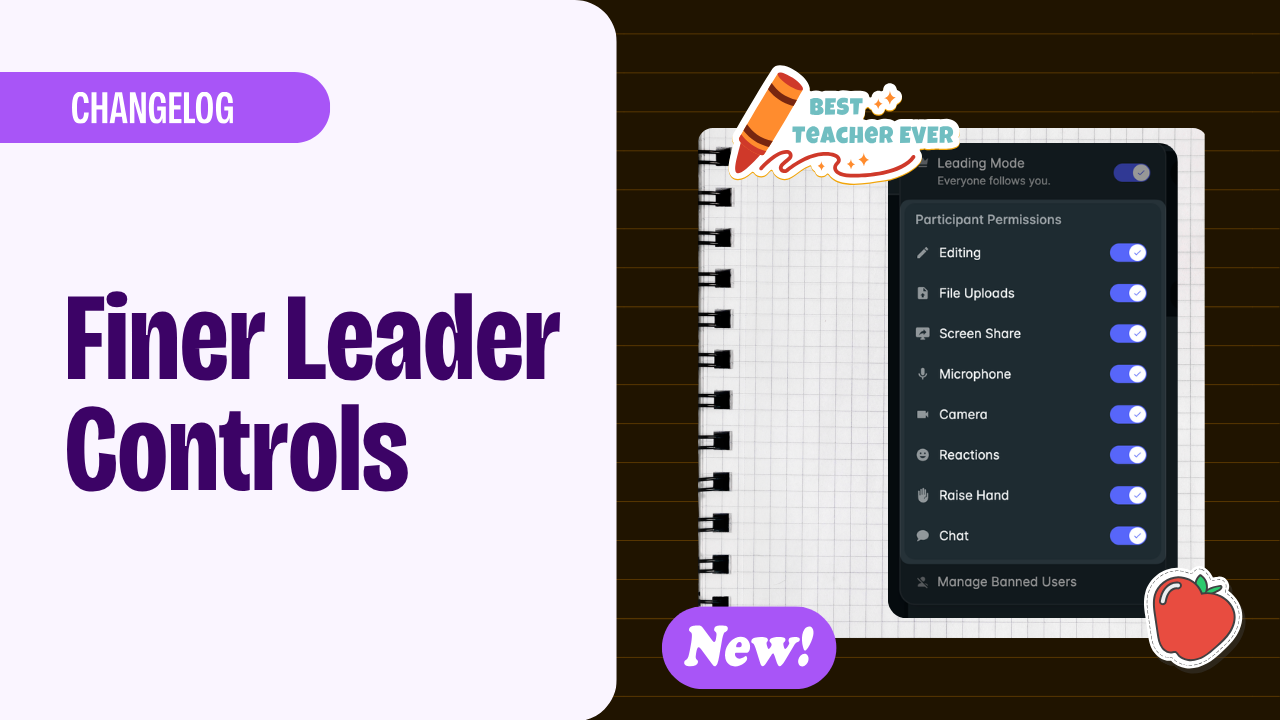
You now have more control over your classroom: toggle individual features and controls on or off in real time for all or particular students.
Waiting room is now part of lobby
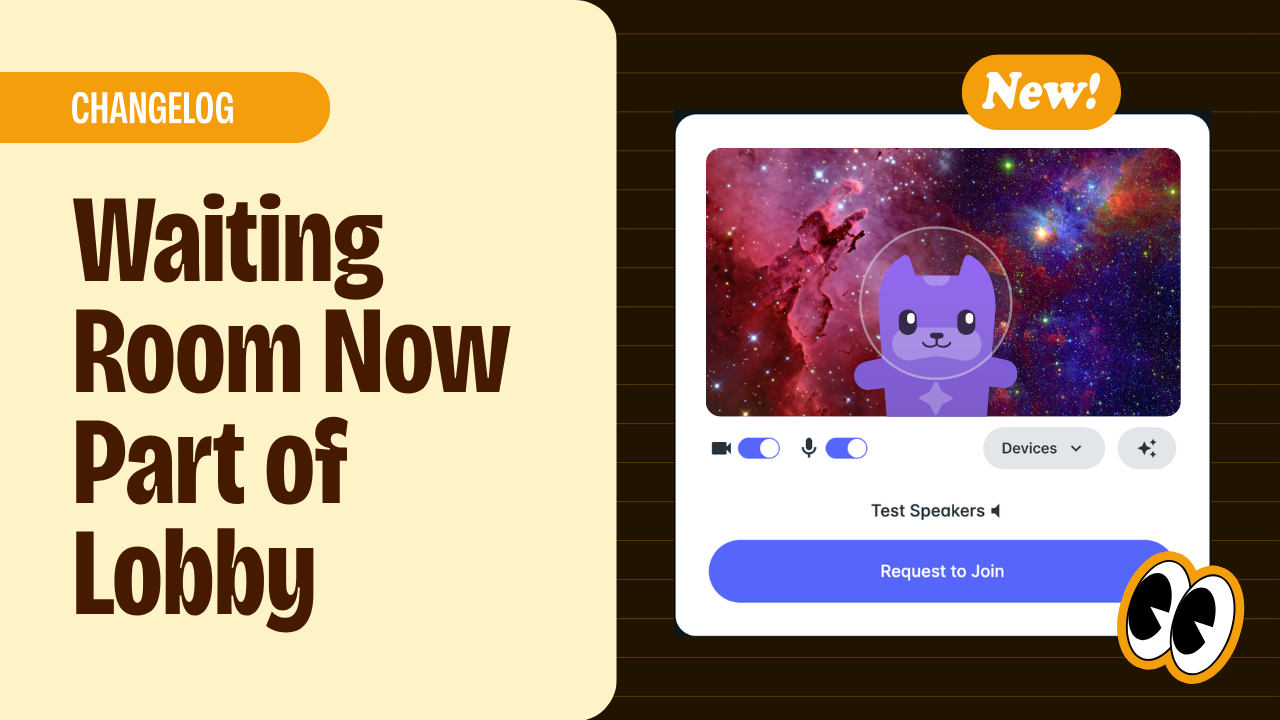
Set up your audio and video while you wait, making the student joining experience faster and more convenient.
Floating Reactions, and Balloons are Back!
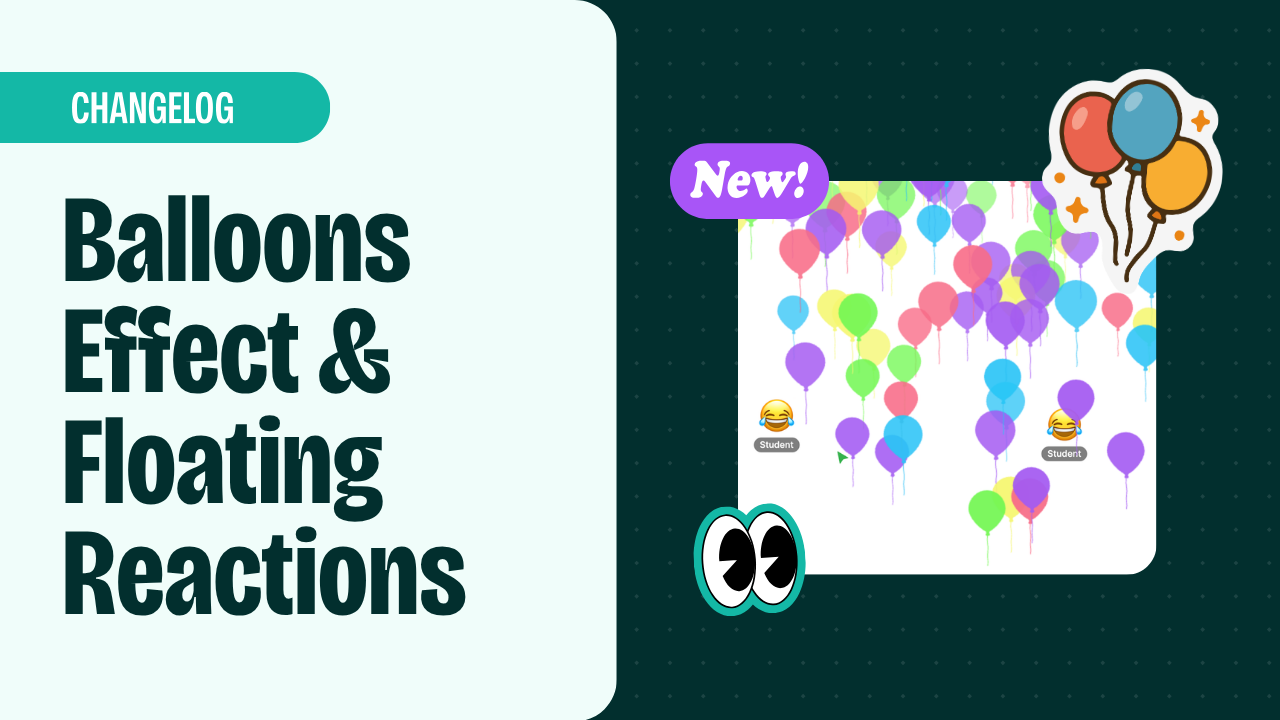
Our most beloved animated effect is back by popular demand! Teachers can now send balloons as an animated effect, alongside the fireworks, confetti, and tornado effects you already know and love. Students and teachers, meanwhile, now have floating reactions instead of static ones. Boost engagement in your lessons with these colourful, fun animations.