Changelog
What's New?
A collection of new features we've just launched in Lessonspace!
Email Authentication on Space access
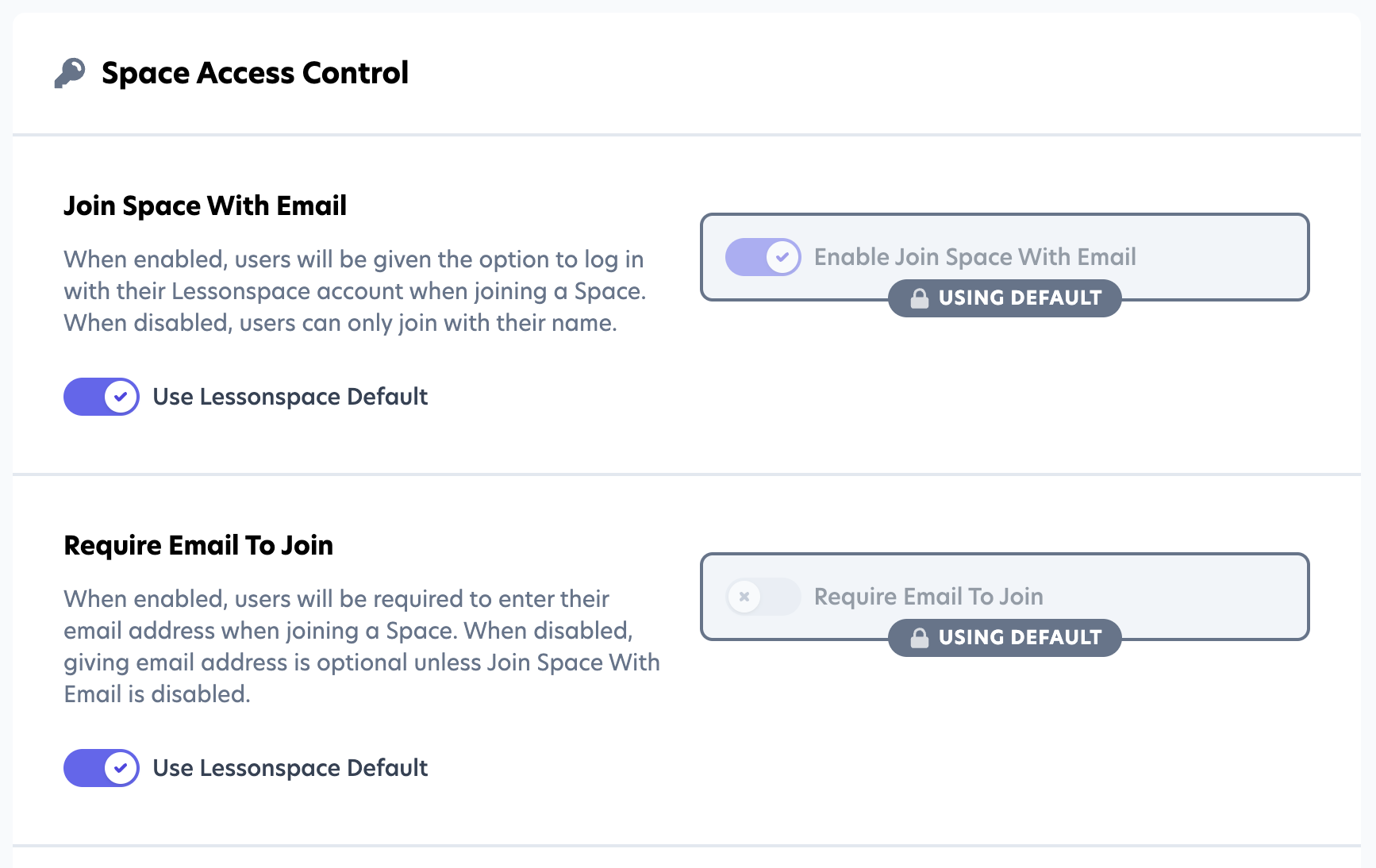
When joining a Space you can now enable settings that either:
- Allow users to join with their Name or Email using the enabled "Join Space with Email" setting. This serves as an additional Identifier for your Students & Tutors.
- Require Students & Tutors to use their Email address when joining a Space by enabling the "Require Email to Join" setting. This will make sure Students & Tutors joining your Spaces have an account with your Lessonspace Organisation.
Recording Access Control Policies
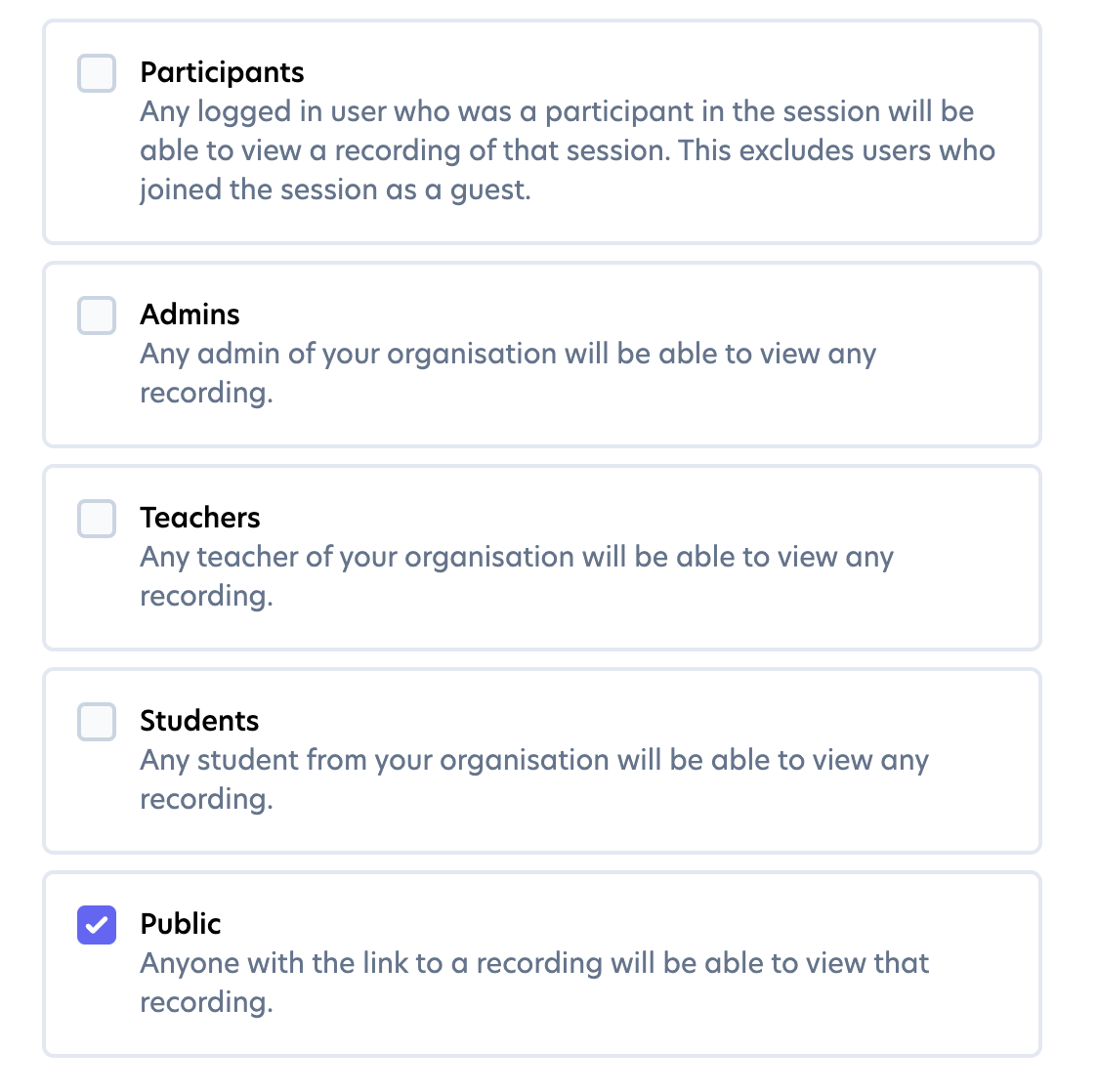
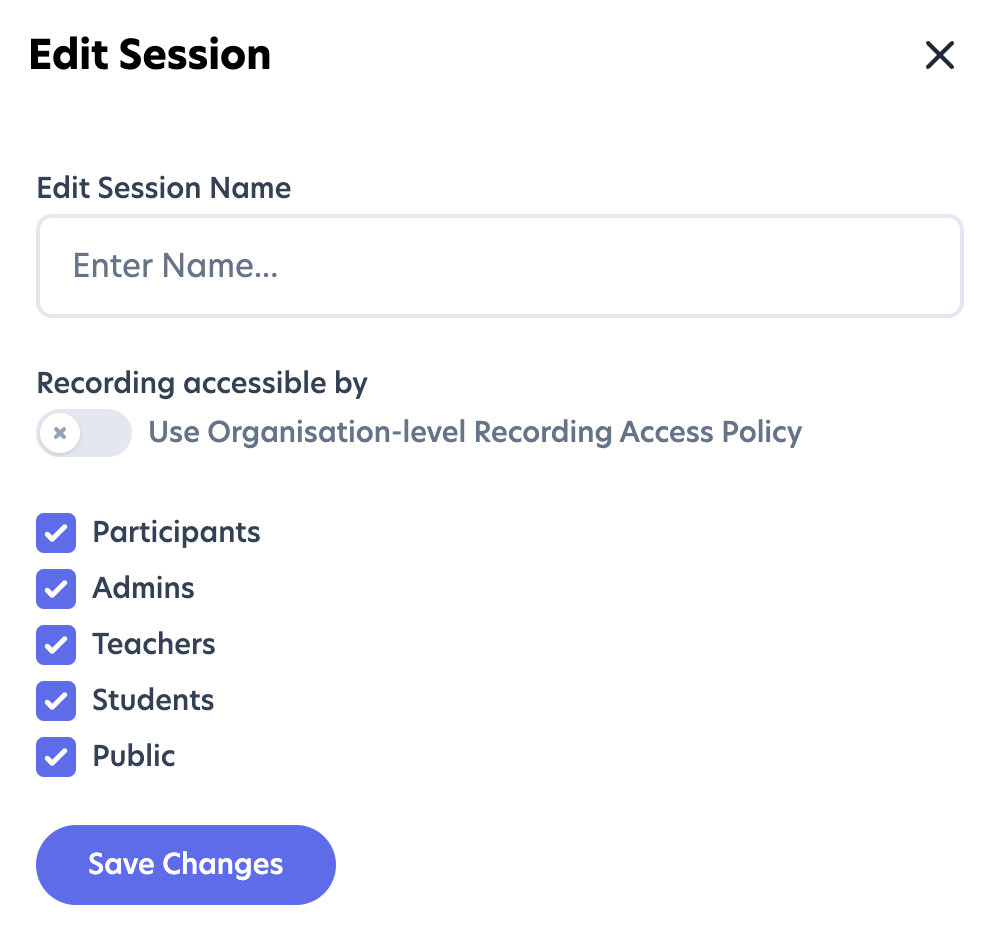
You are now able to set access control policies for recordings for Spaces, a specific Sessions in that Space or at an Organisational Level (the Default).
When creating a Space you can inherit the default Organisational access policies or adjust them to your needs.
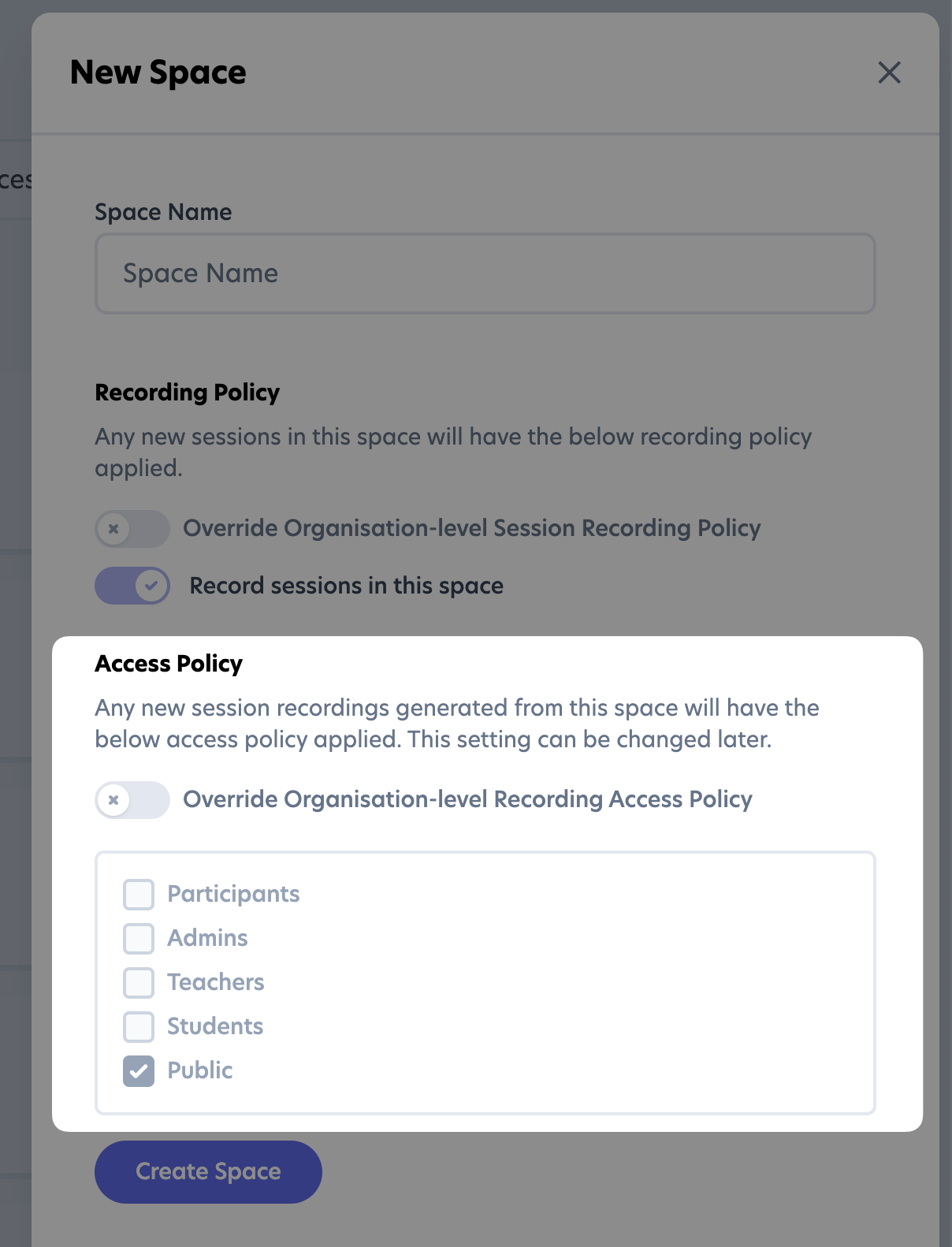
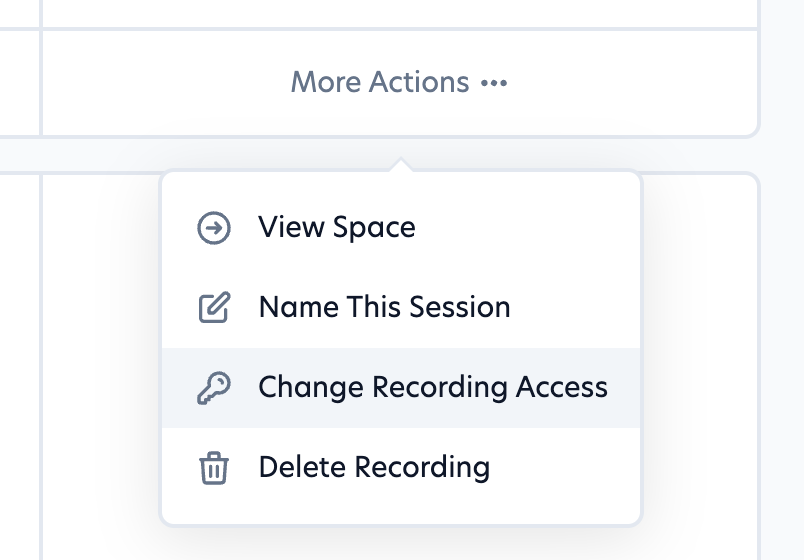
The same goes for Sessions, once a the recording is available you are able to update that access policy for that individual recording from the "More Actions" menu.
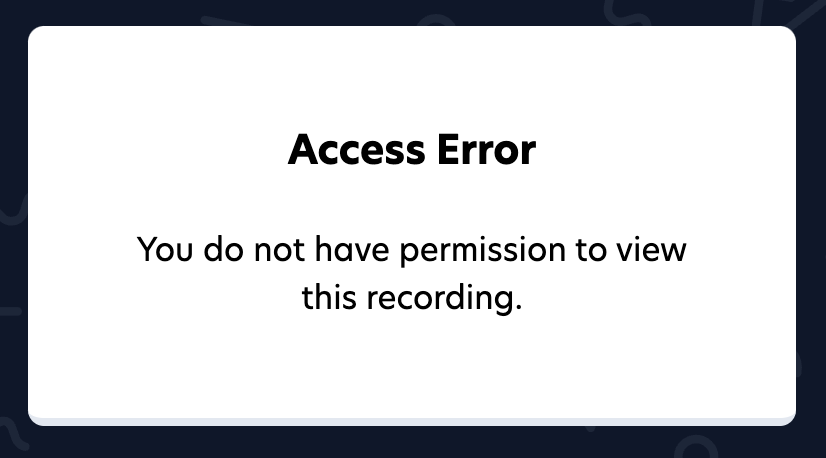
If a user attempts to access a recording without the correct permissions they will be greeted with the following "Access Error".
Screenshare annotation
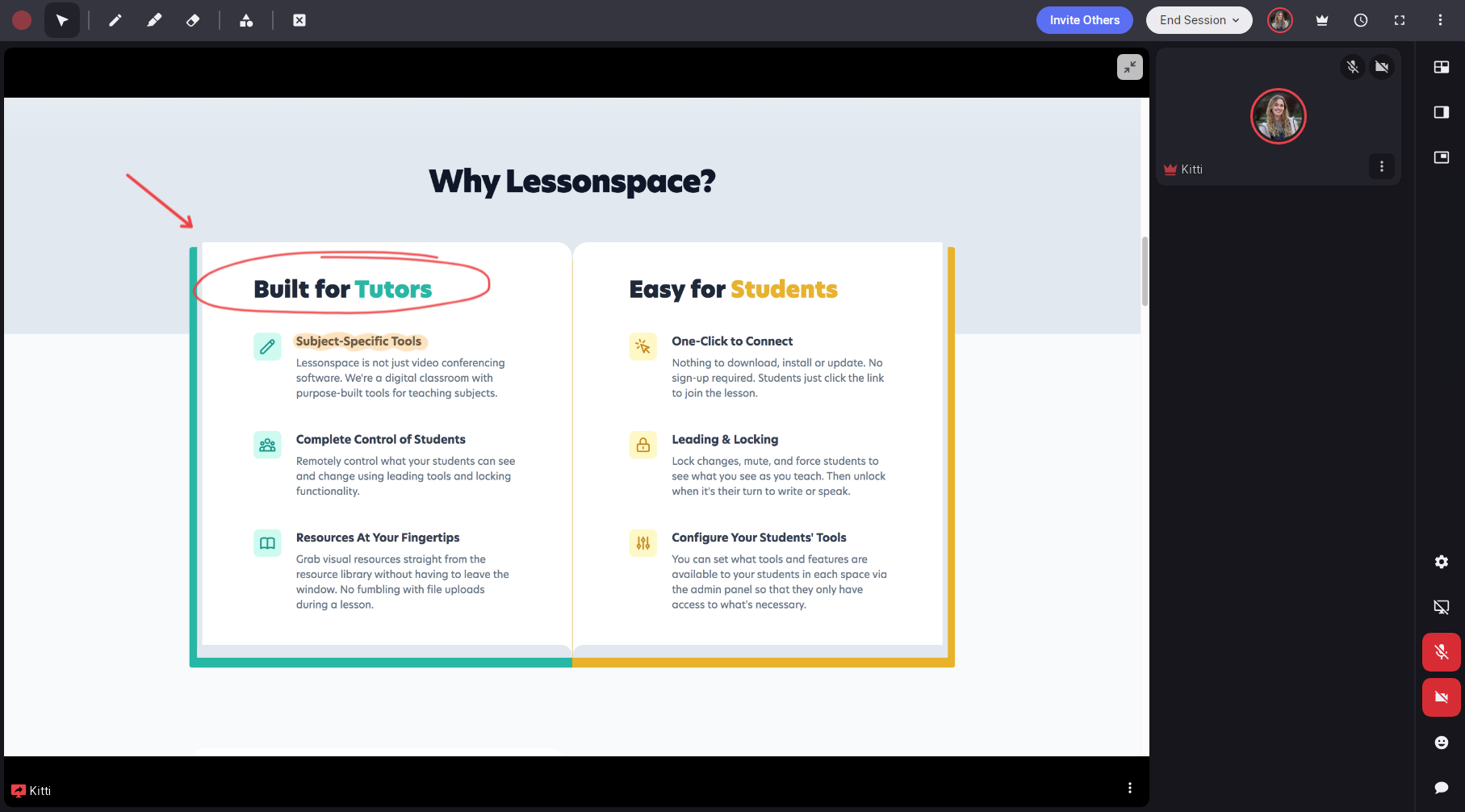
Add collaboration to your Space by annotating a shared screen. Use screenshare annotations to make your classroom interactive, highlight key information, and let students engage with the material. Start a screen share and use the top toolbar tools to begin annotating.
Jump to View
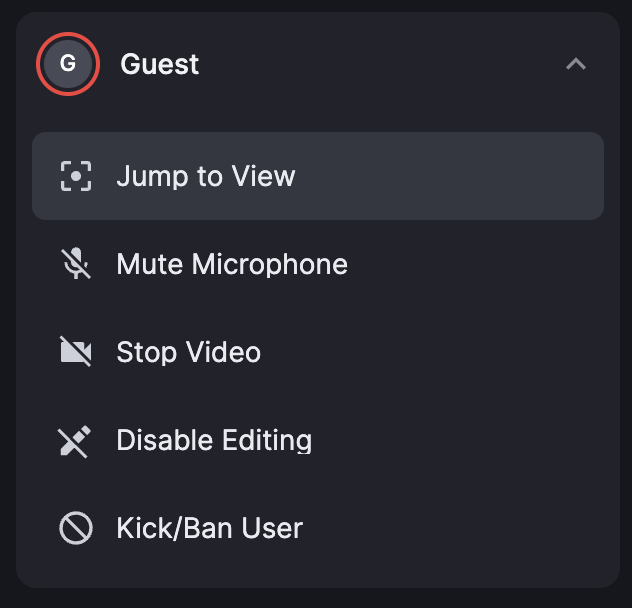
Available under the user options from the People Menu. Clicking this will jump you to what that user's screen is focusing on within the Lessonspace - i.e. jumping to their view !
Hide Self-View
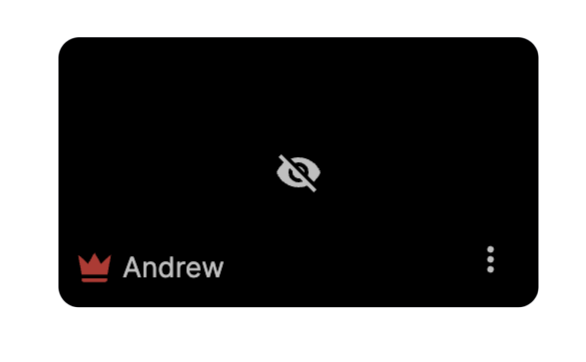
If you find yourself occasionally distracted by your own video feed, we have recently released an update that will allow you to hide your Self-View while still broadcasting your video to all other connected Users.
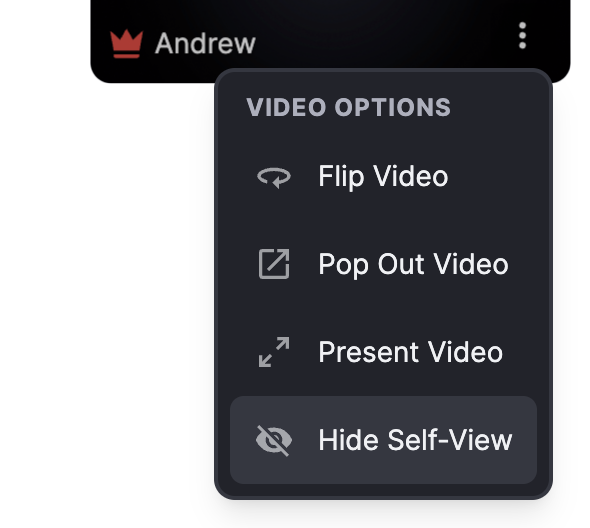
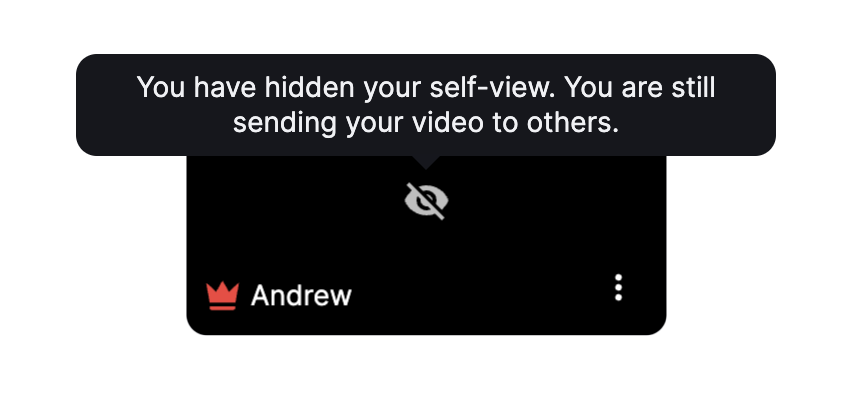
It is important to notice that you will still be broadcasting to others when Hide Self-View is enabled
Cursor Settings
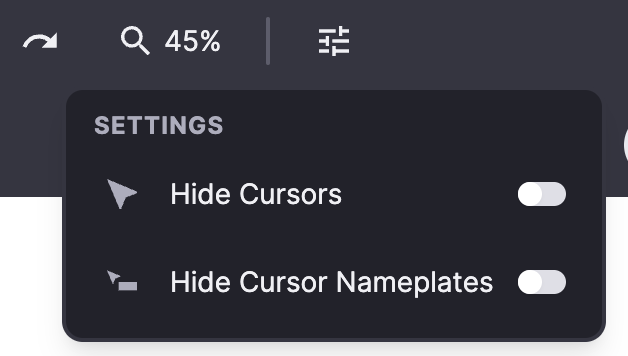
Leaders in the Space will now be able to control the cursor settings when making use of the Whiteboard. By selecting the settings icon in the toolbar, two options are presently available:
- Hiding all cursors - removing all pointers & namespaces, freeing up the entire Whiteboard.
- Hiding all cursor namespaces - removing only the namespace and leaving the pointer still visible, freeing up space for your content.
Session Deletion
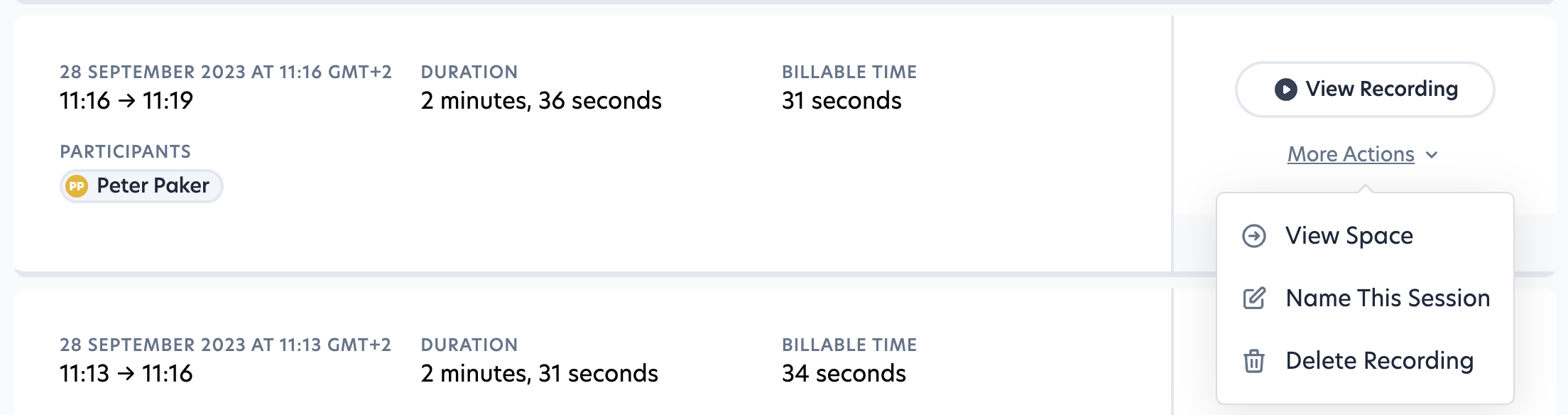
Admin users will now have the ability to manually delete single Sessions from Lessonspace storage.
Upon deletion all of the Organisations Admin user will receive an email referencing the deleted Session and the Admin User who delete the Session - this serves as a final confirmation for Session deletion.
Timer Feature

The Timer feature's design has been slightly updated. This update will show the active Timer in the toolbar for both the Tutor & the Student during lessons. Additionally when the Timer runs out an alarm sound will be played.
New Whiteboard Shapes
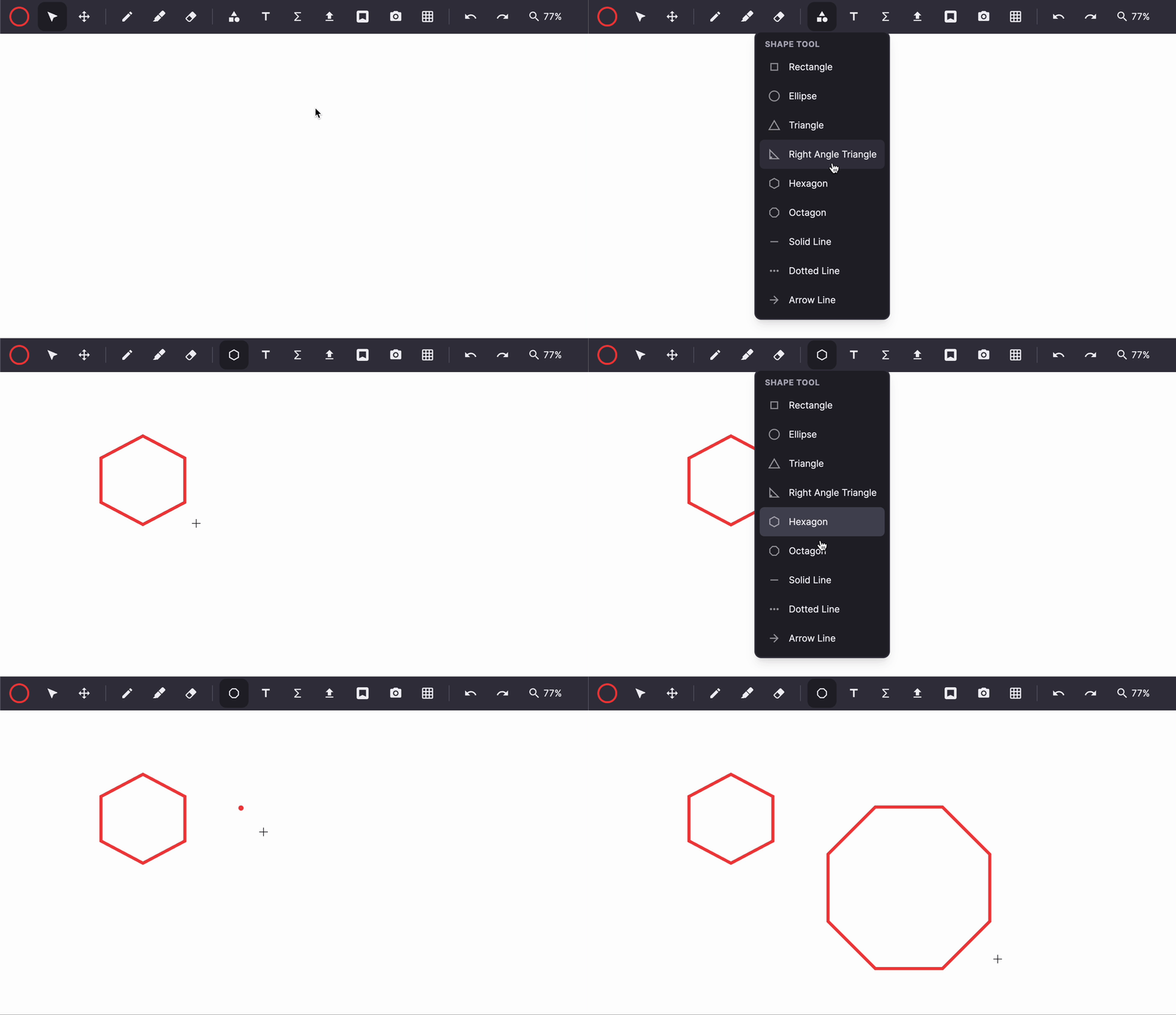
Our shape library just got more exciting! We are pleased to introduce hexagons and octagons as the newest additions. These shapes are not only great for math and science lessons but also offer a fun way to build shapes on the whiteboard. Get creative and explore the possibilities!
Waiting Room
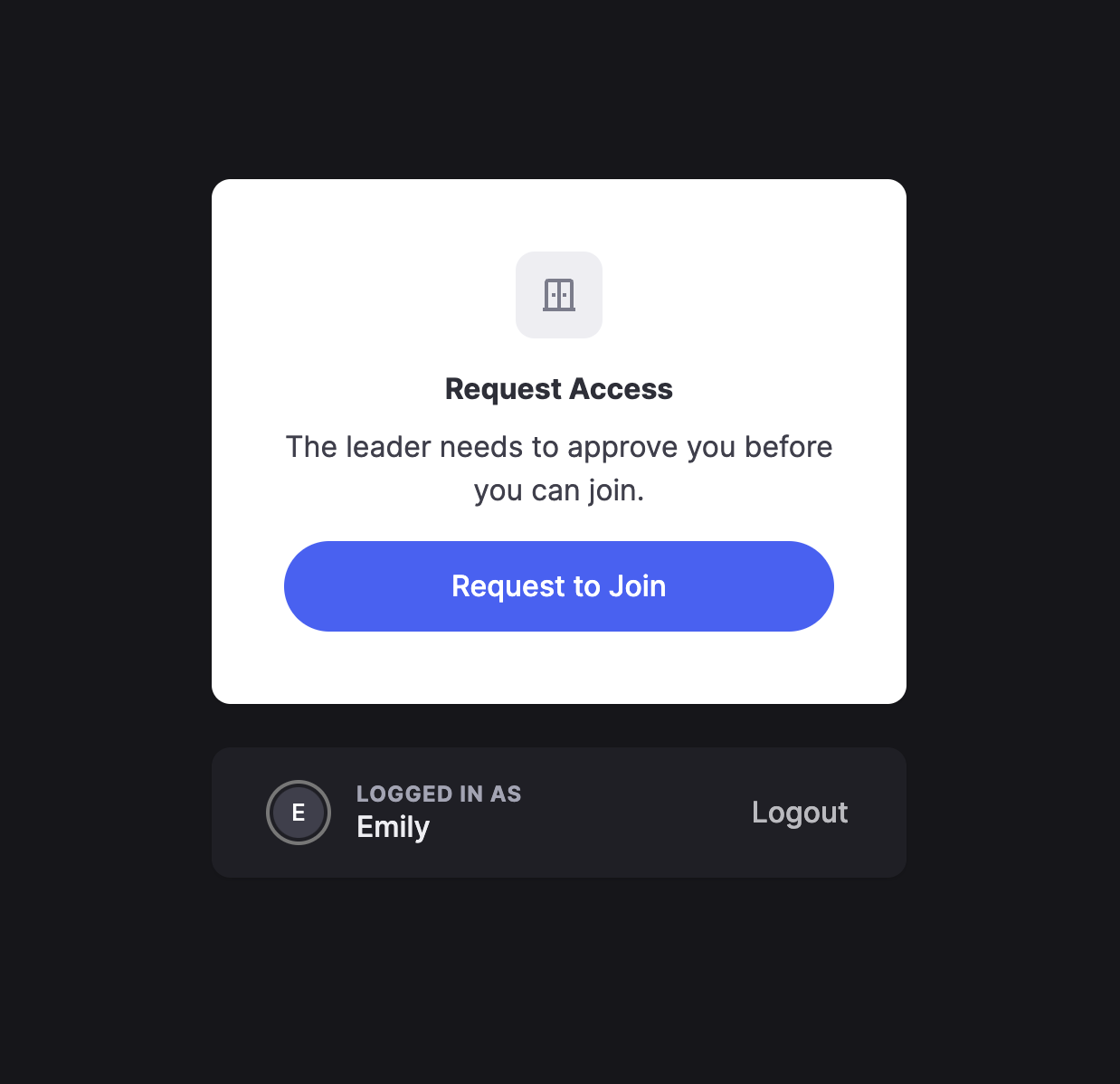
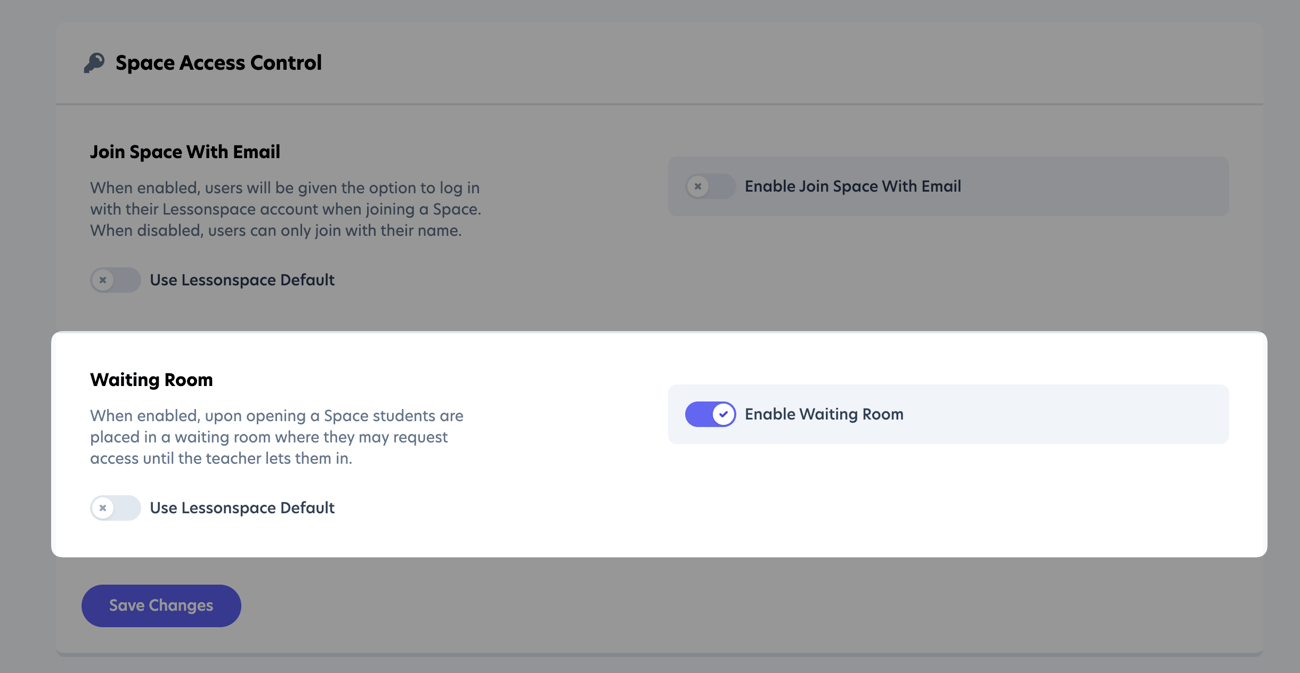
We are delighted to announce that the long-awaited Waiting Room feature is now available in Lessonspace! With this new addition, you can now restrict access to Spaces until a leader admits students who have requested to join. This creates a more organised and secure learning environment. Learn more about the importance of enabling the waiting room for your Spaces and how it works here.